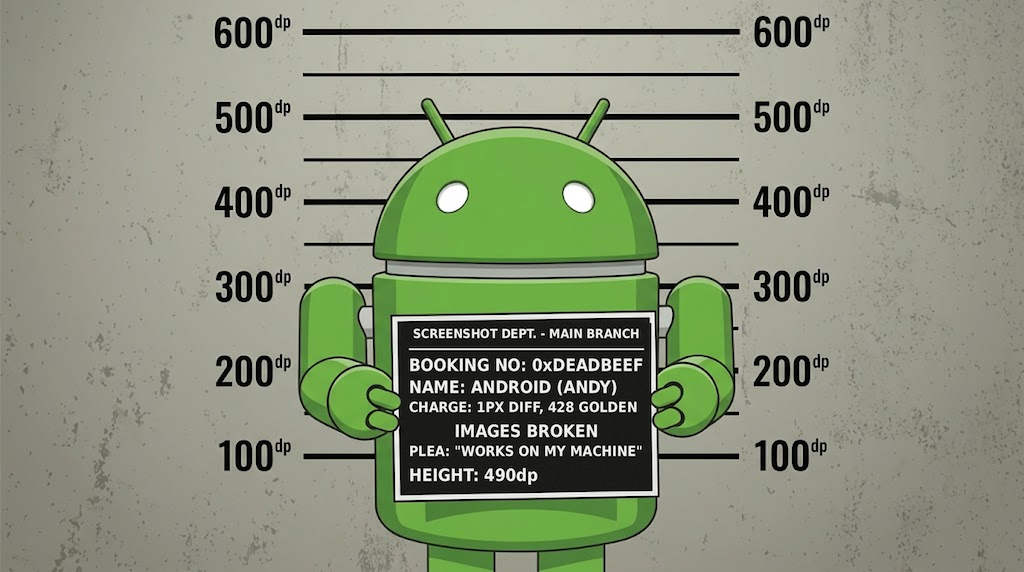
If you have ever written a screenshot test, you know the shape of it. A test class, a JUnit rule, a device config, a theme, a call to snapshot(). Then you do the same again for the next screen, and the one after that. Meanwhile, a few lines above in the same file, there is a @Preview that already describes exactly what you want to render.
Mugshot deletes that entire layer. You annotate the preview you already have, and you are done.
Paparazzi was the inspiration and the starting point, and its rendering core still does the heavy lifting. I built Mugshot on top of it because I wanted two things it was not designed to give me: setup measured in lines rather than files, and a golden format that does not cost me build time every day. Version 3.1.0 is on Maven Central now.
What you need
Here is the entire setup. Two plugins:
plugins {
  id 'com.google.devtools.ksp'
  id 'uk.co.fractalmotion.mugshot'
}
One annotation on a preview that already exists:
@Mugshot
@Preview
@Composable
internal fun ProfileScreenPreview()
Then ./gradlew recordMugshotDebug. Your image lands in src/test/snapshots/images/, and verifyMugshotDebug fails if that screen ever changes.
Count what you did not write. No test class. No @get:Rule. No constructor with a device and a theme in it. No snapshot() call. No ksp block, no processor dependency, no namespace argument. No annotations dependency, no preview runtime dependency, no JUnit bridge dependency, because the plugin adds all four for you.
I verified that last part rather than trusting my own README. I built a throwaway module declaring three Compose dependencies and nothing else, resolved everything from Maven Central, and it produced a golden on the first run.
The comparison is not one screen against one screen. It is one annotation against a file that grows with every screen you add. A design system with forty components means forty test methods to write, review and keep in sync with the previews sitting right next to them. In Mugshot it means forty annotations, and the plugin generates one parameterised test that renders all of them, naming each case after the preview that produced it so a failure tells you which screen broke.
Configurations multiply from the annotation
One preview usually needs more than one image. That goes on the annotation too:
@Mugshot
@MugshotLightDark
@MugshotDevices
@Preview
@Composable
internal fun ProfileScreenPreview()
Eight images from one function: light and dark across phone, foldable, tablet and landscape. @MugshotFontScales, @MugshotLocales and @MugshotMatrix stack the same way, and because the axes can target other annotations, your team can bundle its house style behind a single name and use that everywhere. Right to left layout comes from the locale.
One tip if you use locales. Write them as b+ar+u+nu+arab rather than ar, which pins the numbering system. Without that, digit shapes in formatted strings come from the host JDK’s CLDR data, and I found the hard way that JDK 21 and JDK 24 disagree about Arabic numerals. The same preview produced different goldens on different JDKs until I pinned it.
How this compares to Paparazzi
Paparazzi asks for a test class per screen:
class LaunchViewTest {
  @get:Rule
  val paparazzi = Paparazzi(
    deviceConfig = PIXEL_5,
    theme = "android:Theme.Material.Light.NoActionBar"
  )

  @Test
  fun launchView() {
    val view = paparazzi.inflate<LaunchView>(R.layout.launch)
    view.setModel(LaunchModel(title = "paparazzi"))
    paparazzi.snapshot(view)
  }
}
Roughly ten lines per screen, with the device and theme living in the test rather than beside the composable. Multiply that across a design system and you are maintaining a second copy of your UI by hand.
How this compares to Google’s plugin
Compose Preview Screenshot Testing needs com.android.compose.screenshotat 0.0.1-alpha15 or higher, an experimental flag in gradle.properties, the same flag repeated in your android {} block, and your previews moved into a separate src/screenshotTest/ source set. You record with updateDebugScreenshotTest and check with validateDebugScreenshotTest.
It is the officially supported path, which counts for a lot. It is also still alpha, and Google’s documentation says the features and APIs may change substantially during that phase. It runs host side only and does not support Kotlin Multiplatform targets outside Android.
Speed
Measured on an Apple Silicon Mac running JDK 21, AGP 9.3.2, Compose 1.11.2 and KSP 2.3.8, with compileSdk 36:
| WHAT | TIME |
|---|---|
| Record one preview, empty build directory | 4s |
| Re-record the same preview | 3s |
| Verify one preview | 3s |
| Verify 44 goldens in the sample module | 16s |
About 0.36 seconds per image once the build is warm. An instrumented screenshot test needs an emulator boot before it renders anything, so this is a different category of wait entirely.
I have not benchmarked Paparazzi or Google’s plugin, so I am not publishing a speed comparison between the three. All of them render through layoutlib on the JVM and the per image cost should be similar. What I can show is the difference in setup, and in how many images you get per line you wrote.
Why goldens are WebP
Goldens live in your repository forever and get rewritten every time the UI changes, so the format compounds over a project’s life. I measured it before committing.
Across the same 145 goldens, re-encoded rather than re-recorded so the pixels are identical:
| FORMAT | SIZE | ENCODE | DECODE |
|---|---|---|---|
| PNG, the old writer | 2509 KB | 21.9 ms/img | 2.50 ms/img |
| WebP, current settings | 1042 KB | ~14 ms/img | 0.43 ms/img |
58% smaller, and decoding is 5.8 times faster.
Two caveats, because the headline number flatters me. The PNG figure is not a fair fight with PNG in general: the old writer emitted raw scanlines with no row filtering, so a normal PNG encoder would have produced smaller files. Read 58% as the gain against that specific writer.
The decode speedup also barely shows in practice. On a 44-golden verify it saves about 90 ms. I first thought the branch had halved verify time, from 15.7s to 8.0s, then found the real cause: the sample still contained two Lottie tests at 60fps for five seconds, costing 7.3s between them. I had measured the removal of animation support and credited it to the codec.
The setting that mattered more than the format
The first version shipped libwebp at method 6, quality 1.0, on the theory that maximum effort is free at build time. It is not.
Sweeping method 0 to 6 against quality 0 to 1 across the corpus, fourteen of the fifteen combinations encode in 2 to 7 seconds. That one takes 81.6 seconds. It trips libwebp’s exhaustive backward-reference search, costing 24 times the time of method 6 at quality 0.75 to save 2.7% of the bytes. Total size varies by under 5% across the entire grid.
Dropping to method 4 at quality 0.5 took :sample:recordMugshotDebug from 34.0 seconds to 8.9 seconds with byte-identical output. Under lossless, method and quality are effort knobs only: they change how hard the encoder hunts for a shorter encoding of the same pixels, never the pixels themselves. All 145 goldens round-trip with zero differing pixels at every setting I tested.
If you are choosing WebP settings for anything, run that grid yourself. The instinct to max both is the one combination that is catastrophically slow.
The flag that would have broken every comparison
libwebp has a config flag called exact: “preserve the exact RGB values under transparent area. Otherwise, discard this invisible RGB information for better compression.”
It defaults to off.
Screenshot comparison reads full ARGB, including the RGB channels of fully transparent pixels, and Compose screenshots are full of transparent regions. With exact off, a golden and a fresh render of the same view differ on pixels nobody can see. On a fully transparent test image, exact = true gives 0 differing pixels and exact = false corrupts all 4096.
That single flag decided the library. com.github.usefulness:webp-imageioexposes it. The other serious candidate never references it anywhere in its JNI C or its Java, and offers no way to set it.
Scope, on purpose
Two things Paparazzi does are not in Mugshot, and both are deliberate.
Accessibility snapshot rendering and validation is gone. Animated snapshots are gone with it, so there is no gif, no snapshots/videos directory, and Mugshot records one frame per snapshot. In five years of shipping Android in production I have not reached for either, and carrying them costs every user of the library something real.
The animation removal is what made the rest possible. Dropping video meant there was no container format to build, just single image encode and decode, which is what let me move goldens to lossless WebP without writing thousands of lines of bitstream handling. Removing around 700 lines of APNG reader, writer and frame-aligning verifier, serving six checked-in files, bought a 58% size reduction for everyone.
You can still capture a specific moment with Mugshot#snapshot(view, offsetMillis), or snapshot an animation’s terminal state with InstantAnimationsRule. What goes away is recording the frames in between.
Which one to pick
Google’s plugin is the safe choice if you want official support and can live with alpha churn.
Paparazzi is mature, has a real community, and has accessibility and animation snapshots if you need them. Its most recent release is 2.0.0-alpha05 from May 2026.
Mugshot is for you if your previews already exist and you would rather not write a test class for each one. That was the whole reason I built it.
Credit
The rendering core is Square’s. The layoutlib integration, the resource loading and the rendering pipeline are their engineering, and Mugshot would not exist without Paparazzi to build on.
What I wrote is the layer on top: the annotation set, the KSP processor that reads it, the generator that produces the tests, the JUnit bridge that runs them, the lint checks that catch mistakes, and the WebP codec work. That layer is why setup is two plugins and an annotation instead of a file per screen.
There is no compatibility layer between the two projects. The Maven group, plugin id, package names and task names all change at once, so moving over is a rename rather than a gradual adoption.
Sources:

Leave a Reply